Smarter Dashboards. Smarter Decisions.

The smarter way to visualise your data.

Explore

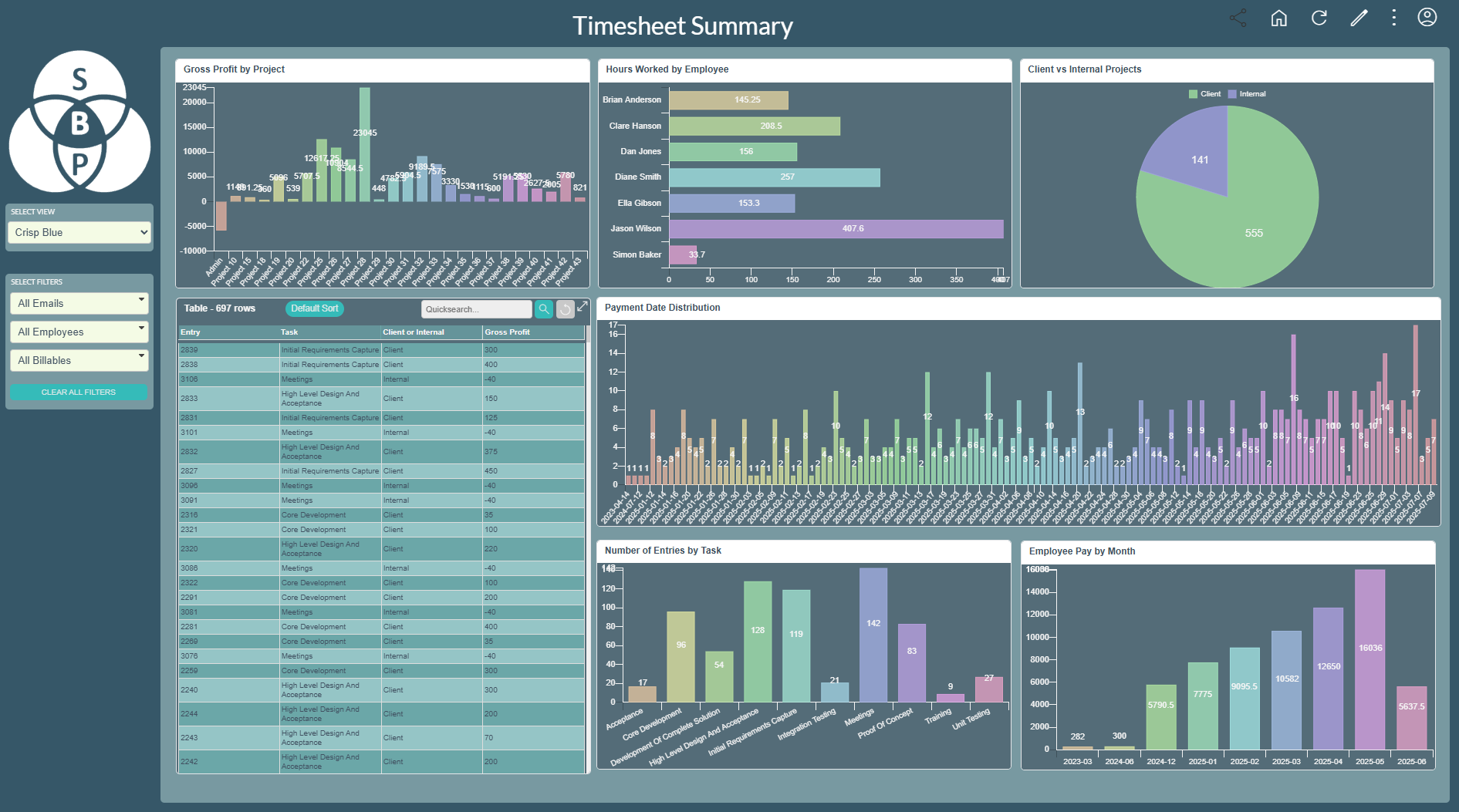
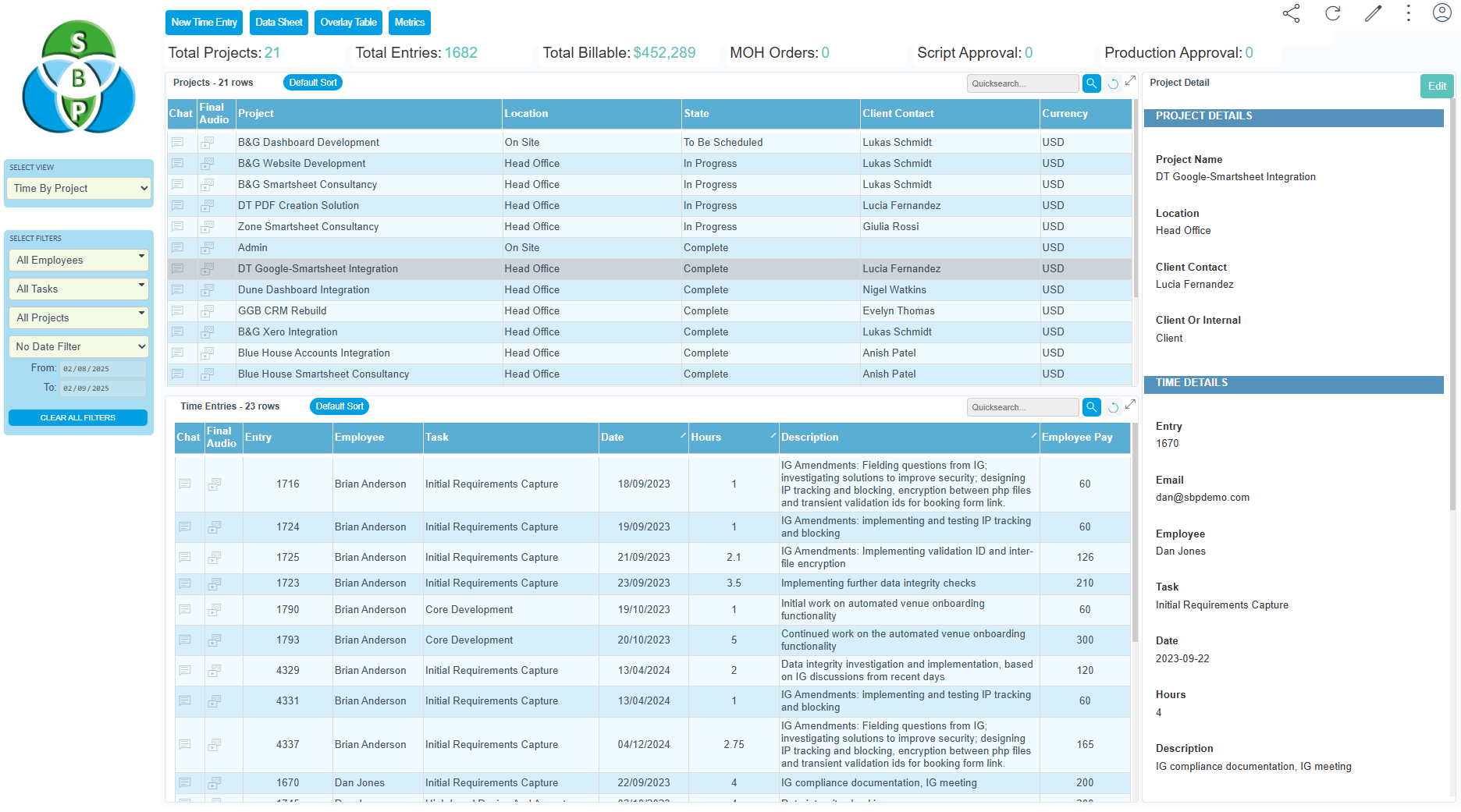
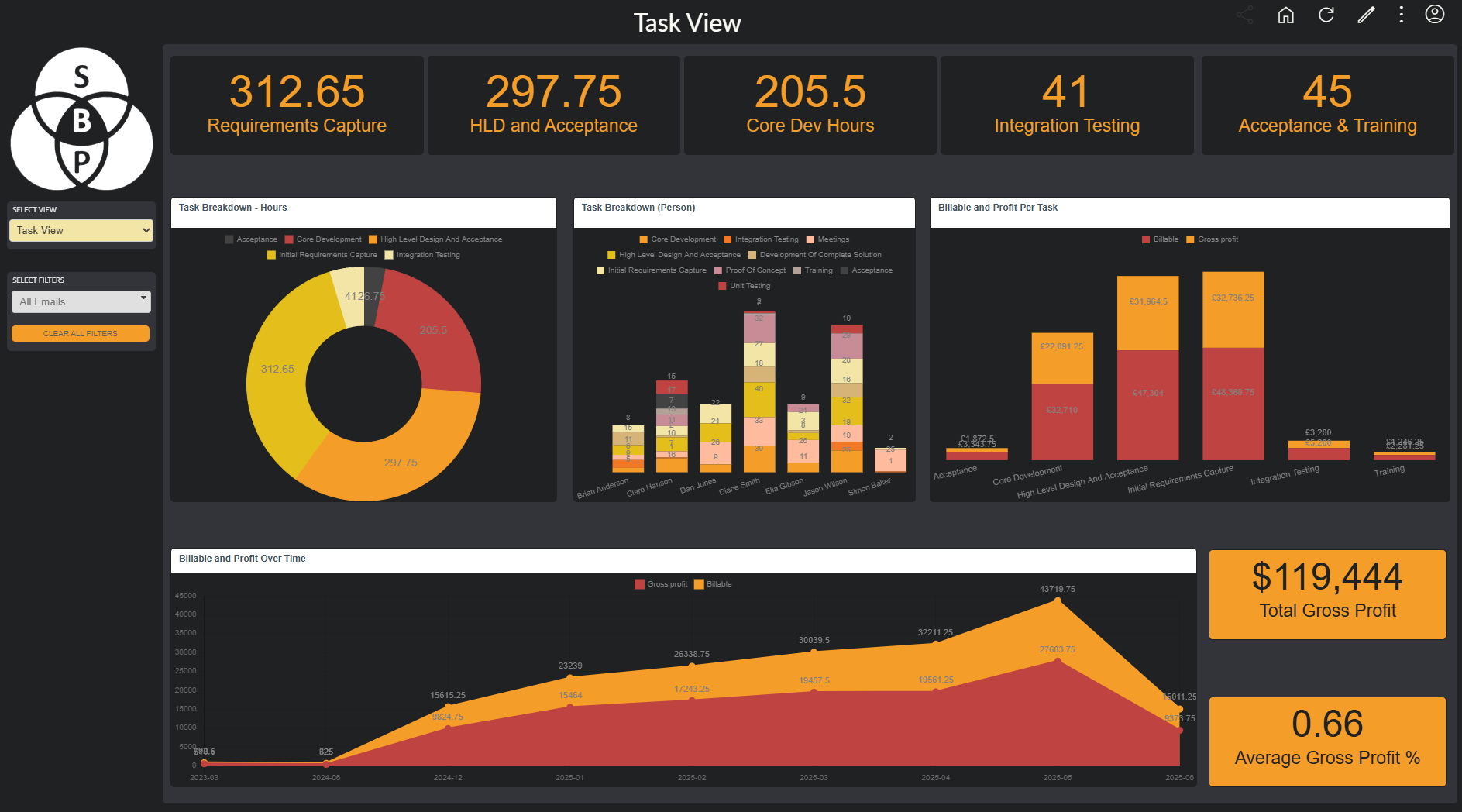
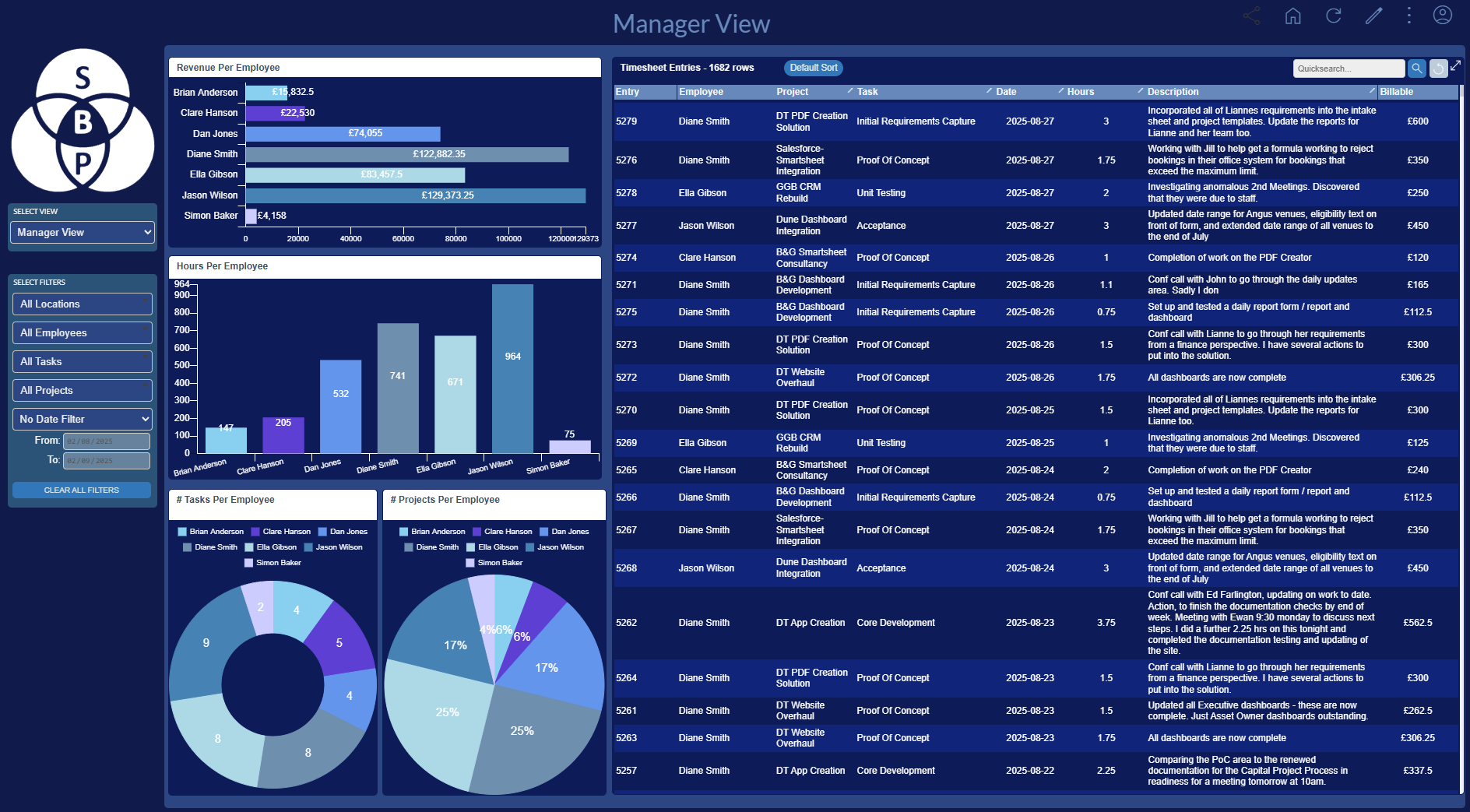
Click Around Our Demo Dashboard

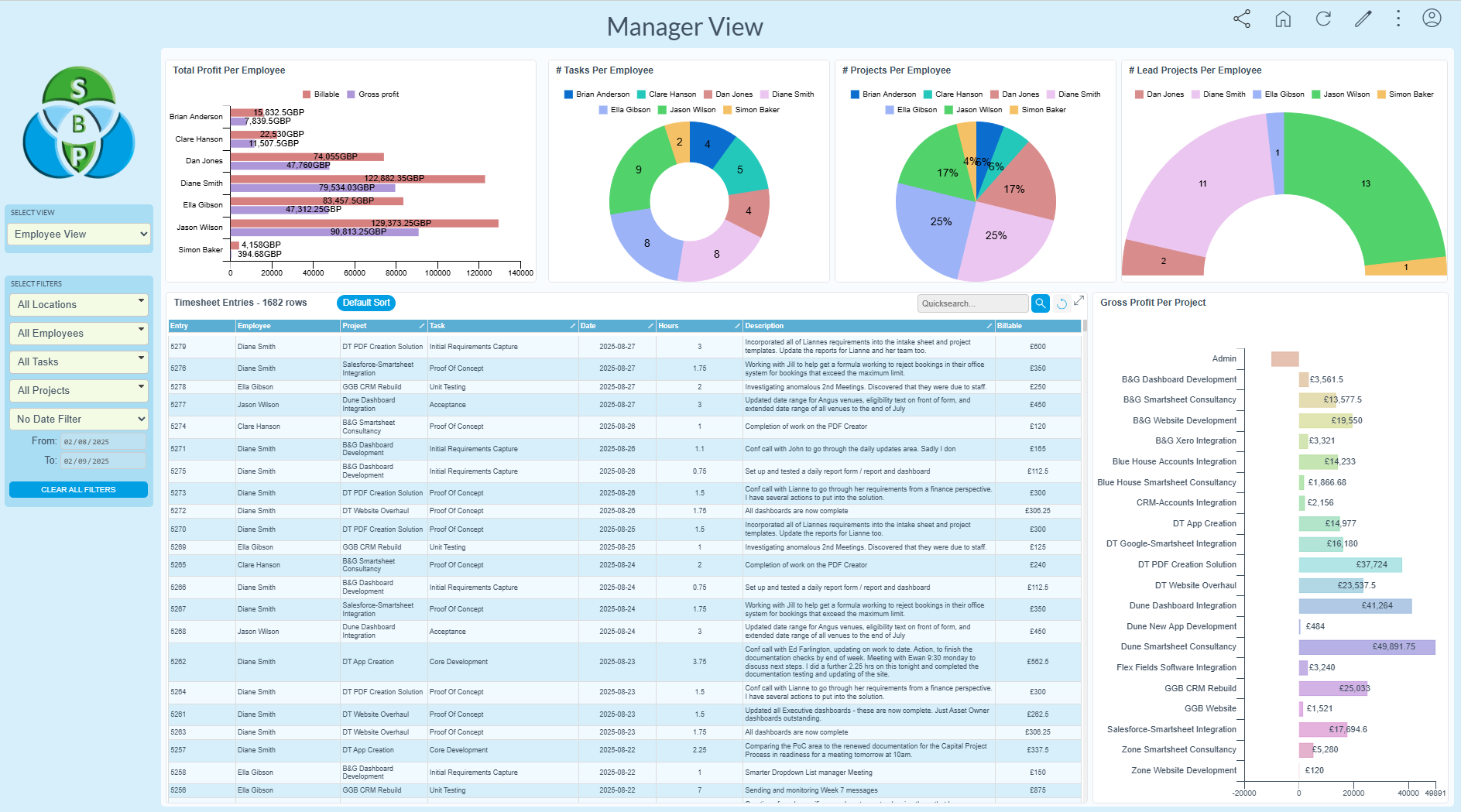
Explore a live dashboard with sample data. Try the filters. Toggle the chart types. Go crazy.

Explore Demo
Build

Create AI Dashboard In Seconds

Paste your Smartsheet sheet or report ID and let our AI build you a dashboard view.

Build with AI

AI Not Your Thing? Build Manually With Ease

Use our intuitive builder to create dashboards your way — no AI required.

Build Manually

No Time To Play? We Can Build Your Dashboard

Let our experts build your dashboard for you — fast, tailored, and hassle-free.

Request a Build
Dashboard preview

Build Dashboards with AI in Seconds

Just provide the Smartsheet sheet ID or report ID — our AI instantly generates a fully functional, filterable dashboard tailored to your data and goals.

Try It Now

Watch how our AI builds a dashboard in seconds
×

Finding Your Smartsheet Sheet ID

To get your sheet ID:

  1. Open your Smartsheet sheet or report in a browser.
  2. Go to File -> Properties
  3. The sheet or report ID is the numeric number.

Why Teams Choose Smarter Dashboards

×

Log in to try our AI dashboard builder

×

Choose a login method

×

Log in to try our AI dashboard builder

×

Sign into Smartsheet to create your first dashboard

Choose your region to continue: